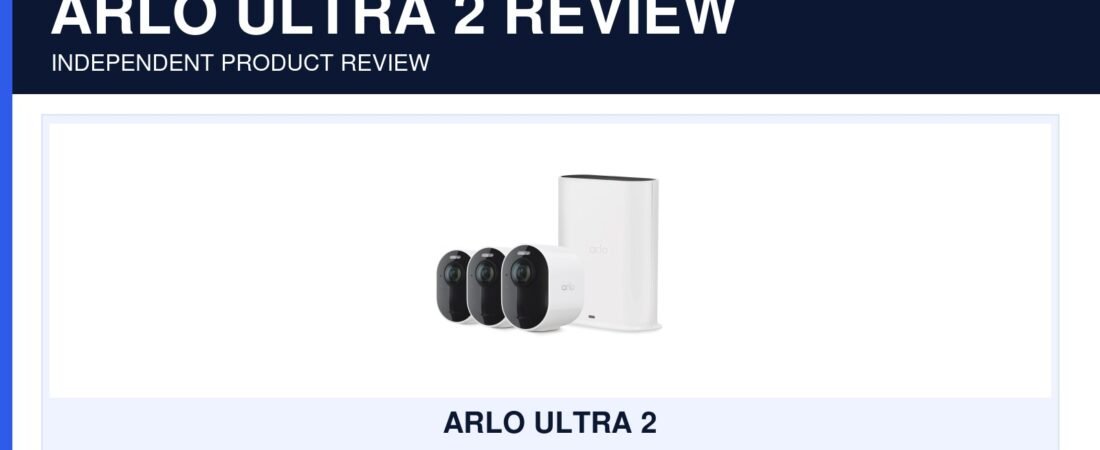
Arlo Ultra 2 Review 2026: Is This Premium 4K Security Camera Still Worth It?
Arlo’s high-end wireless camera remains a strong choice for buyers who care about a polished app, wide 4K coverage and remote monitoring.
Affiliate disclosure: We may earn a commission from qualifying purchases through links on this page, at no extra cost to you. Prices and availability can change. We do not claim hands-on testing unless explicitly stated.
Arlo Ultra 2 is still a strong premium choice if your priority is a polished mobile app, wide 4K coverage and a mature smart-home ecosystem.
Its biggest trade-off is ongoing cost: Arlo’s best cloud intelligence and history features are designed around its subscription ecosystem.
best app-first premium pick
Arlo’s biggest strength is how easy it is to check your home from anywhere
Arlo built its reputation around wireless cameras that feel simple on the phone. The Ultra 2 fits that idea perfectly: open the app, see a live feed, review events, talk through the camera and manage alerts without needing a dedicated monitor.
For travelers, busy families and anyone who spends long hours away from home, that convenience can be more valuable than chasing the lowest possible camera price.

4K HDR and a very wide view give the Ultra 2 real premium appeal
The Ultra 2 records at up to 4K and is designed around a broad field of view. That makes it well suited to large driveways, front yards and wide entrances where a narrower camera might force you to install two devices. A built-in spotlight supports color night viewing, while infrared remains available for darker scenes.
4K also gives you more room to digitally zoom into recorded footage. That does not magically create detail that was never captured, but a higher-resolution source gives you more useful information to work with than a basic 1080p clip.
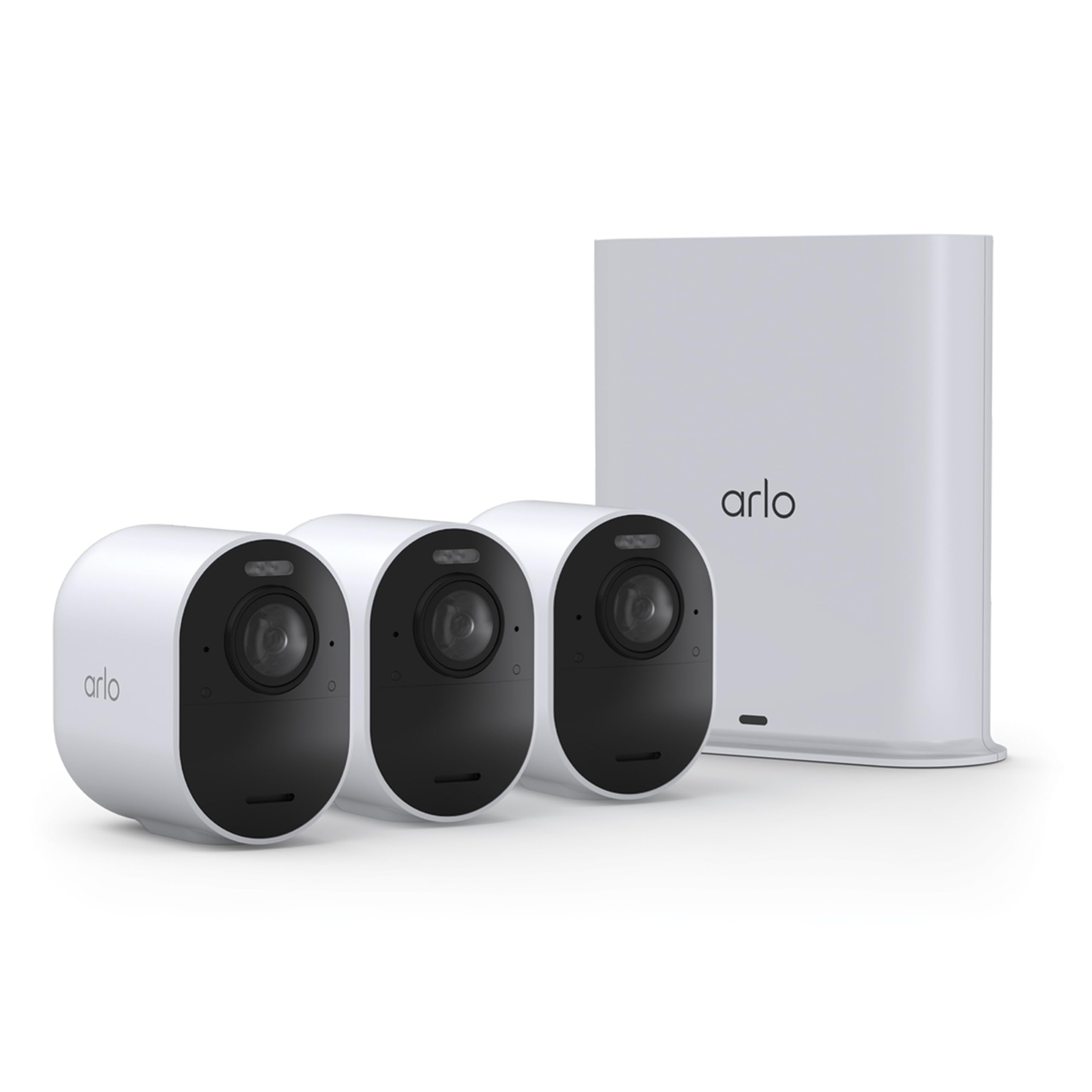
The Arlo app is the reason many buyers stay in the ecosystem
Arlo’s app makes it easy to view cameras, adjust modes, receive notifications and respond to events. If you already have Arlo cameras or a video doorbell, adding Ultra 2 units keeps everything in one familiar interface.
The downside is that Arlo’s most attractive smart-history and detection features are closely tied to its paid plans. Buyers should consider the total cost over several years, not just the price on the camera box.
Features that matter in daily use
Where Arlo Ultra 2 makes the most sense
The Ultra 2 is easiest to recommend to someone who values software polish and remote access more than avoiding subscriptions. It also makes sense when you already own Arlo gear because one app can manage the whole property.
For a first-time buyer who strongly prefers local storage and no recurring cost, eufy or Reolink may be more attractive.
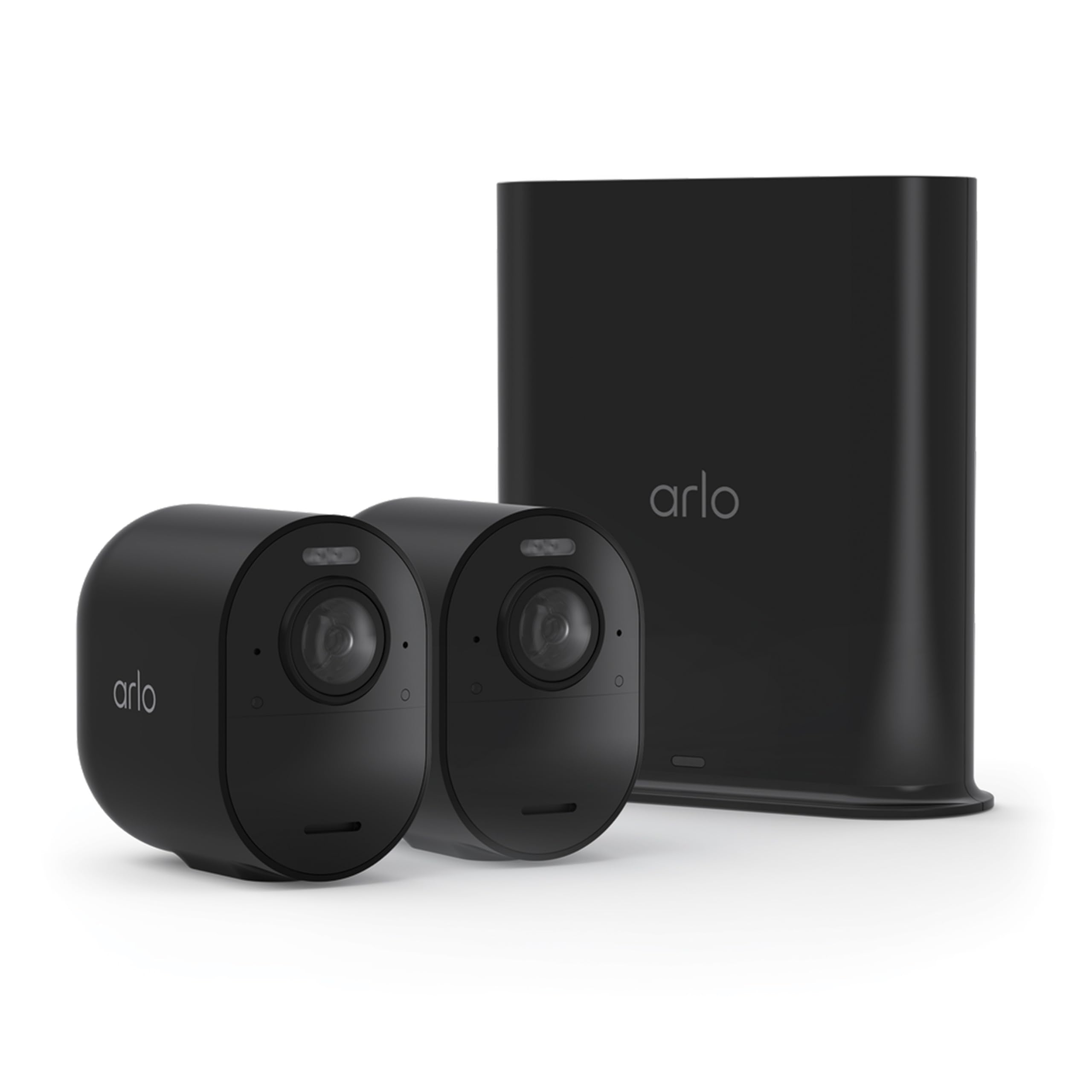
What we like
- Excellent mobile app experience
- Premium 4K image quality
- Very wide outdoor coverage
- Strong smart-home ecosystem
- Clean wireless installation
What to consider
- Subscriptions matter more here than with some rivals
- Premium kits can get expensive quickly
- Battery life varies with activity and video settings
- Local-first buyers have better alternatives
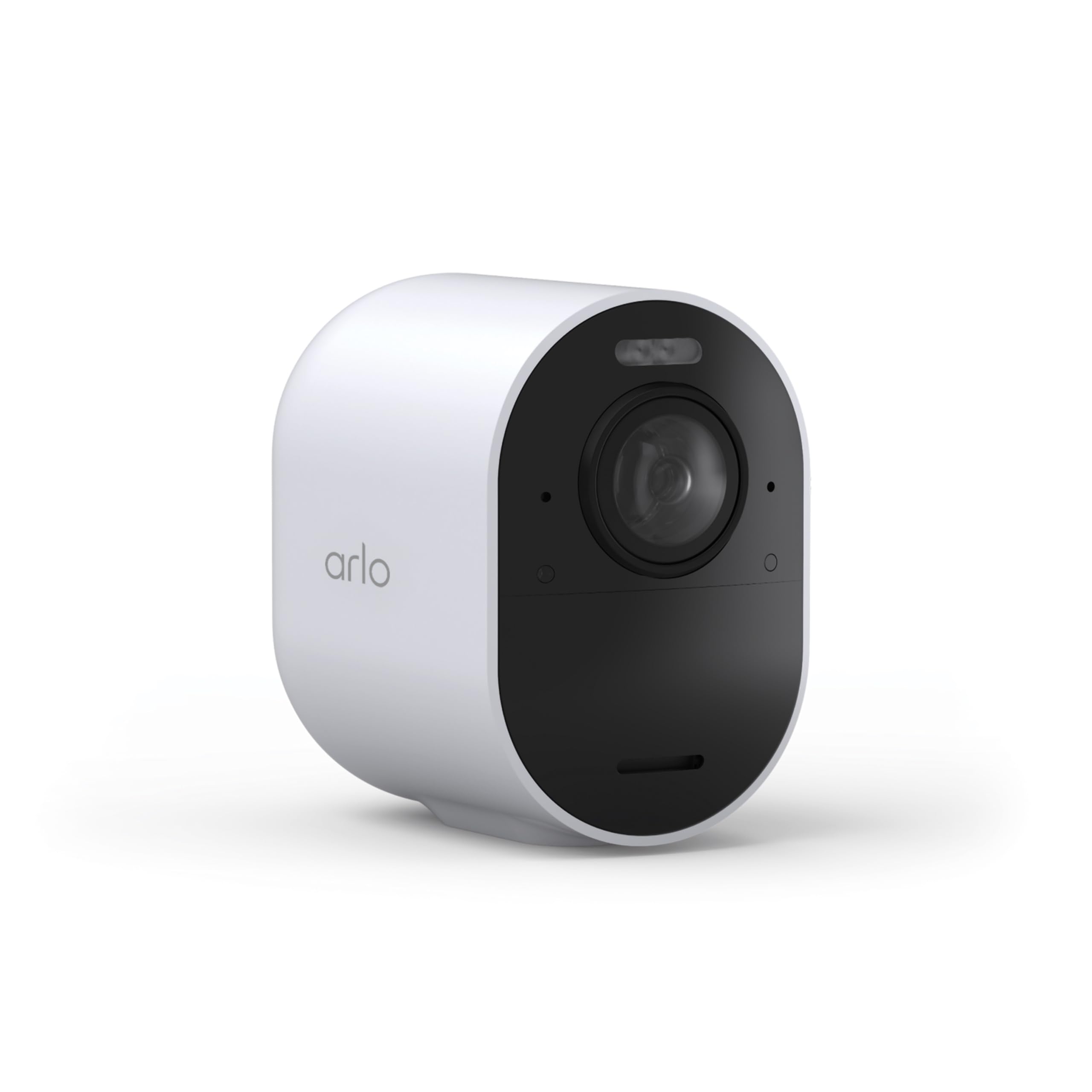
Night monitoring and deterrence
The built-in spotlight is useful for two reasons. First, it can add color information to nighttime footage. Second, a light turning on can make a person aware that the area is monitored. Add two-way audio and remote access, and the camera becomes more active than a passive recorder.
That combination is particularly useful at side gates, detached garages and driveways where you may want to react from your phone rather than only review footage later.
Want to see how Arlo compares with local-storage rivals? Read our premium security camera comparison.
Official specifications
Feature details were checked against Arlo’s official Ultra 2 product information in August 2026.
MobileGearPicks verdict
Arlo Ultra 2 remains an easy premium recommendation for buyers who put the mobile experience first. The app is polished, the video is sharp and the system scales nicely across a property. Just go in with your eyes open about subscriptions: Arlo is at its best when you are willing to pay for the broader service ecosystem.
Frequently asked questions
Can I watch Arlo Ultra 2 on my phone?
Yes. Arlo’s mobile app supports live viewing, alerts, camera controls and two-way communication.
Is 4K worth it for a security camera?
It can be, especially for wide outdoor scenes where you may need to zoom into a face, vehicle or package after the event.
Do I need an Arlo subscription?
The camera can function without using every paid feature, but Arlo’s cloud history and advanced smart features are a major part of the premium experience.
Arlo Ultra 2: what matters before you buy
A strong buying decision is easier when you separate headline features from the parts that affect everyday ownership. For Arlo Ultra 2, the most useful questions are about video quality, alert accuracy, cloud features, battery maintenance and subscription cost. Those factors usually matter more after a few weeks than launch-day excitement or one standout specification.
Think about the job you want this security camera to do. If it solves a problem you face every day, paying more can make sense. If the feature will only be used occasionally, a simpler or older option may deliver better value.
- List the two or three features you will use every week.
- Check compatibility with the devices, apps or accessories you already own.
- Compare the full ownership cost, not only the purchase price.
- Read the return policy and warranty before buying a premium device or accessory.
Who should consider Arlo Ultra 2
This product or comparison is most relevant for buyers who already know the limitation they are trying to fix. Someone upgrading for a specific camera, battery, comfort, portability or ecosystem reason has a clearer path than someone upgrading only because a new model exists.
If your current setup still handles the same tasks comfortably, waiting can be the smarter decision. Consumer tech improves quickly, and skipping one generation often creates a more meaningful upgrade later.
Long-term ownership questions
Before ordering, think beyond the first week. Accessories wear, batteries age, software support changes and some features depend on cloud services or subscriptions. Check which parts of the experience are included permanently and which may create future costs.
Also consider resale value, repairability and how easy it is to replace cables, tips, straps, cases or other wear items. A slightly more expensive product can be easier to own when replacement parts and support are easy to find.
How to compare reviews without getting lost
Different reviewers test different priorities. One may focus on raw performance while another emphasizes comfort, camera output or travel. Look for agreement across several sources, then pay closest attention to the tests that match your own use. A benchmark that never affects your routine should not outweigh a comfort or compatibility issue you will notice every day.
Buying checklist
- Does it solve a problem you have now?
- Does it work with your existing hardware and software?
- Are the most important features available without extra subscriptions?
- Is the size, weight or installation realistic for your routine?
- Would a cheaper model solve the same problem well enough?
Bottom line
Use the comparison to narrow the field, then choose based on the features that affect your real routine. The best purchase is the one that fits your devices, habits and budget without paying for capabilities you will rarely use.