2026 BUYING GUIDE · MOBILE PRODUCTIVITY
Best Portable Monitors for Laptop Work in 2026
If you are productive at your desk but painfully slow on one laptop screen, the problem may not be your focus. It may be that you are constantly switching between windows that normally sit side by side.
Affiliate disclosure: As an Amazon Associate, Mobile Gear Picks earns from qualifying purchases. Prices and availability can change.

Who benefits most from a portable monitor?
Writers who keep research beside the document, analysts working across spreadsheets, students taking notes beside a lecture, developers viewing code and documentation, and remote workers who live in browser tabs all benefit from more horizontal workspace.
For occasional email, you probably do not need one. For people who already use two monitors at home and suddenly travel with one, the productivity difference can feel enormous.
Our practical picks
Arzopa Z3FC
Best value. A spacious high-resolution panel and fast refresh rate make it unusually capable for its price class.
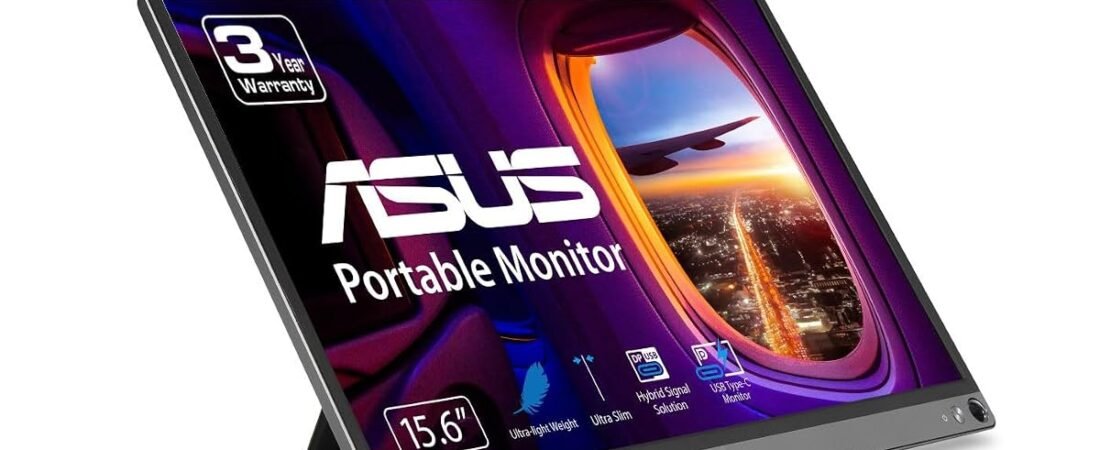
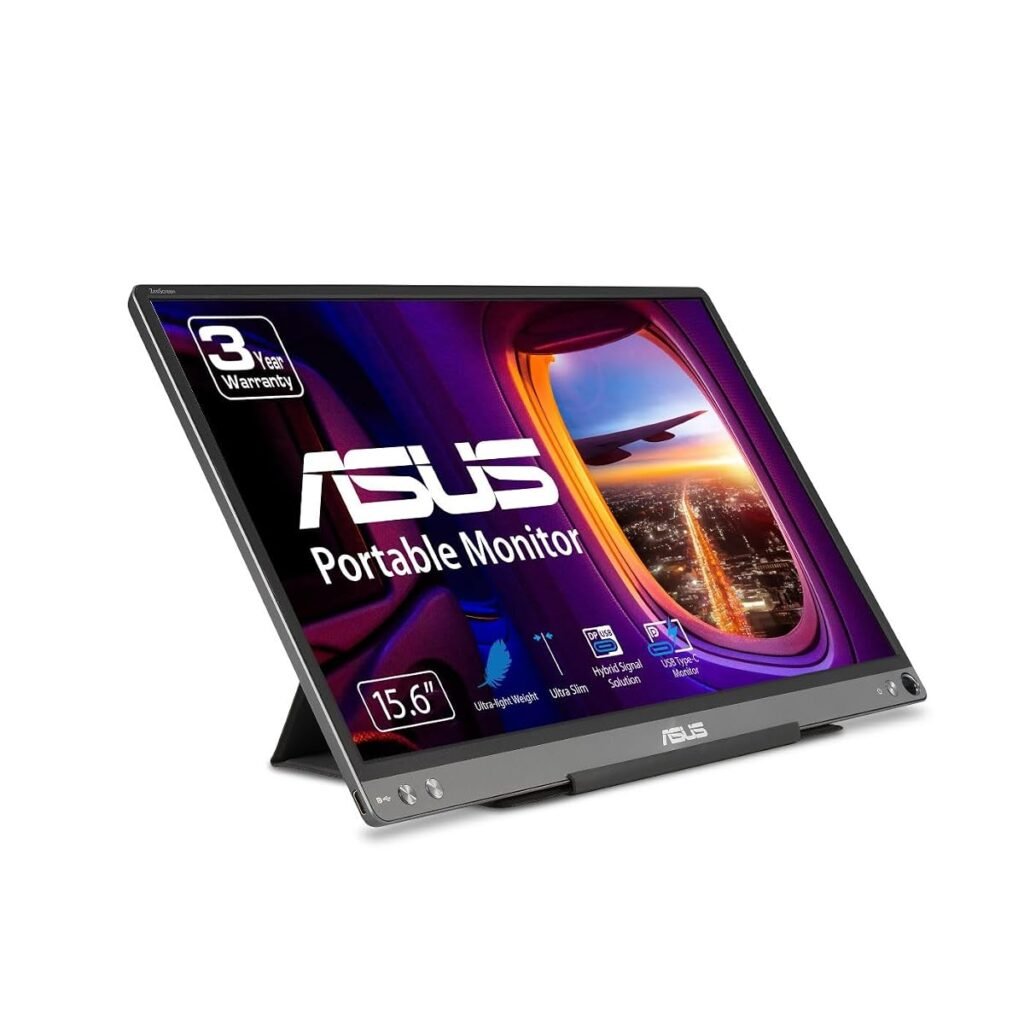
ASUS ZenScreen
Best dependable choice. Simple USB-C connectivity, lightweight designs and mature product support are the main appeal.
ZenScreen OLED MQ16FC
Best for image quality. OLED contrast and color look excellent, but it costs more and is not necessarily the best choice for static office windows all day.
USB-C: one cable or two?
The cleanest portable-monitor setup uses one USB-C cable for both video and power. But your laptop port must support DisplayPort Alt Mode or Thunderbolt/USB4 video output. A USB-C connector alone does not guarantee video.
If your laptop cannot output video through USB-C, many portable monitors include HDMI or mini-HDMI plus a second USB cable for power.
15.6 vs 16 vs 17.3 inches
Fifteen- and sixteen-inch models are easiest to pair with common laptops and fit into normal bags. A 17.3-inch panel gives you more workspace but takes more table space and is harder to protect while traveling. Bigger is only better if you are willing to carry it.
1080p or higher resolution?
1080p is still perfectly usable around 15.6 inches and keeps cost low. A 1440p or 1600p display can make text and detailed work look sharper, but operating-system scaling and laptop battery drain may increase. Choose based on what you actually do, not just which number is larger.
Brightness matters more than people expect
A portable monitor that looks great in a dim hotel may struggle beside a bright window. If you work in cafés, airports or rooms with strong daylight, pay attention to measured brightness in independent reviews.
What about dual-screen laptop extenders?
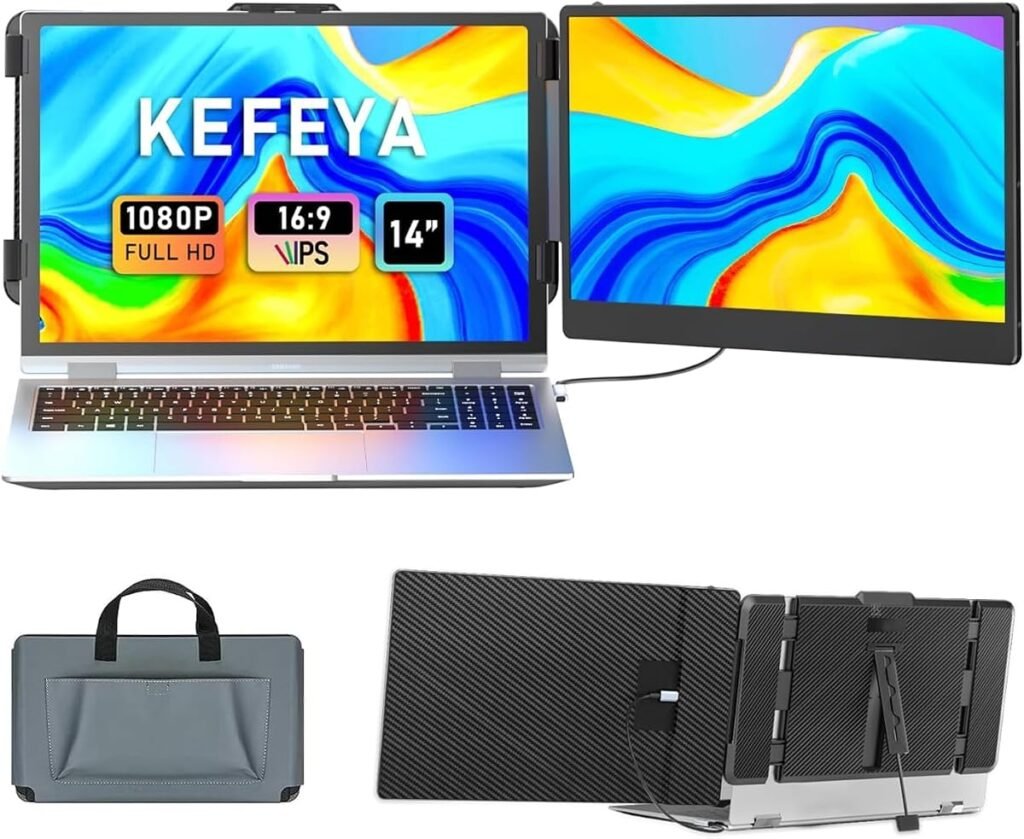
They look convenient because they attach directly to the laptop, but they add weight to the lid and can be bulky. A separate portable monitor takes a few extra seconds to set up but gives you more flexibility in positioning and is easier to use with different devices.
Is OLED worth it?
For photo work, video, movies and rich contrast, OLED is gorgeous. For eight hours of spreadsheets and static browser windows, a good IPS display can be cheaper, brighter and less stressful if you worry about long-term static-image retention.
Compare portable monitors on Amazon ↗
FAQ
Does a portable monitor drain laptop battery?
Yes, if the laptop powers the monitor. For long sessions, connect the laptop to its charger or use a monitor with separate power.
Can I use one with a phone?
Some phones support USB-C video output or desktop modes such as Samsung DeX. Compatibility varies by phone.
Are portable monitors good for gaming?
Some are, especially higher-refresh models, but check response time, refresh rate and input support rather than assuming every travel display is gaming-ready.
Bottom line
If your biggest travel frustration is losing the second screen you depend on at home, a portable monitor is one of the rare accessories that can directly give you back workflow rather than just adding another gadget to your bag.
Portable monitor buying checklist for laptop work
A portable monitor should make a laptop easier to use, not create a new collection of adapters. Before buying, check whether your laptop can send video through USB-C DisplayPort Alt Mode. If it can, one cable may handle video and power. If it cannot, you may need HDMI plus a separate power cable.
- 13 to 16 inches is the practical range for most travel bags.
- 1080p is usually enough at this size; higher resolution can improve text but uses more power.
- Brightness matters if you work near windows or outdoors.
- A rigid stand is often more important than an ultra-thin chassis.
- Check portrait support if you read documents, code or chat all day.
One-cable setups versus HDMI setups
A single USB-C cable is the cleanest option, but compatibility is the deciding factor. Some laptops have USB-C ports that carry data and charging but not video. When in doubt, check the laptop manufacturer specifications before assuming the monitor will work with one cable.
How much screen space is enough?
A portable monitor is most useful for keeping a second app visible: email beside a spreadsheet, notes beside a browser, or a video call beside your work. You do not need desktop-monitor size to gain that benefit. The goal is a second usable workspace that still fits in the same bag as the laptop.
Bottom line
Buy for compatibility and stand quality first. A slightly thicker monitor that connects reliably and stays at a comfortable angle is usually a better work tool than the thinnest model on the shelf.
Portable Monitors: start with the problem you want to solve
What to check before you buy
- Confirm the laptop USB-C port supports video output, not only charging and data.
- Check brightness if you work near windows or in bright rooms.
- Choose 16:10 for extra vertical space or 16:9 for broad compatibility.
- Verify whether one USB-C cable provides both video and power.
- Use a protective stand that holds the panel securely at eye level.
The best choice is not automatically the model with the longest feature list. It is the one that removes the frustration you experience without creating a new compatibility, installation or storage problem. Write down your non-negotiable requirement first, then compare only products that meet it.
Common setup mistakes
Test every important function while the return window is open. Update firmware and software, use the recommended cable or installation accessory and change one setting at a time. A rushed setup can make capable hardware look unreliable.
If installation affects vehicle wiring, electrical safety or expensive equipment, follow the manufacturer guidance and use a qualified installer when necessary. Saving a small installation cost is not worthwhile if it creates a larger risk.
Frequently asked questions
Will one USB-C cable run a portable monitor?
Sometimes. The laptop port must support video output and provide enough power. Otherwise use HDMI for video and a separate USB power cable.
Is a touchscreen portable monitor worth it?
Only if your operating system and connection support touch reliably. For most productivity work, panel quality and a stable stand matter more.
How we prepared this guide
This article was researched and drafted with AI assistance, then reviewed and edited for clarity, product accuracy and usefulness. It does not claim hands-on laboratory testing. Specifications, prices and availability can change, so verify the current manufacturer documentation and product listing before purchase.
Are portable monitors the right solution for your problem?
Portable monitors help when constant window switching breaks concentration and a permanent desk setup is not practical.
The best portable monitors are not simply the models with the longest specification list. Good portable monitors should solve the exact problem that brought you to this guide without creating unnecessary cost or setup difficulty.
- Compare portable monitors by the feature that directly solves your daily frustration, then verify compatibility before purchase.
- Compare portable monitors by the feature that directly solves your daily frustration, then verify compatibility before purchase.
- Compare portable monitors by the feature that directly solves your daily frustration, then verify compatibility before purchase.
Use this guide to narrow the options, but confirm the latest manufacturer information because portable monitors can change between product generations.