
2026 BUYING GUIDE · MOBILE POWER
The best USB-C power banks for laptops balance output, capacity and weight. Start with your laptop’s charger wattage, then compare the three real products below.
Power for work, wherever you open your laptop
If you work from airports, cars, cafés or client sites, a dying laptop battery can end the day early. A high-output USB-C power bank gives you a second battery without needing a wall outlet.
Affiliate disclosure: As an Amazon Associate, Mobile Gear Picks earns from qualifying purchases. Prices and availability can change.
Why laptop power banks are different from phone batteries
A phone may charge happily from 20W or 30W. Many laptops expect 45W, 65W, 100W or more. A large battery pack with weak output may technically charge a laptop but do so painfully slowly, or only while the laptop is sleeping.
The first buying question is therefore not “How many mAh?” It is “How many watts can the USB-C output deliver to one device?”
Our practical picks
High-output 100W class
Best for work laptops. Useful for MacBook Pro, larger ultrabooks and demanding USB-C machines.
65W class
Best balance. Enough for many thin laptops while staying smaller and cheaper.
Compact travel bank
Best for phone + light laptop use. Ideal when weight matters more than maximum runtime.
How much capacity do you actually need?
Battery capacity is often listed in milliamp-hours, but watt-hours are more useful for comparing laptop use. Conversion losses mean you will not receive every advertised unit as usable energy. A power bank should be treated as extra runtime, not a guaranteed full recharge count.
Why 20,000 mAh is so common
It offers a useful compromise between size, weight and energy. For many travelers, that is enough to meaningfully extend a laptop and still charge a phone. Larger packs can add more runtime but quickly become heavy.
100W vs 65W
If your laptop normally ships with a 65W charger, a 65W-capable power bank may be enough. A 100W bank adds headroom and can be useful when powering two devices, but multi-port sharing can reduce the output available to the laptop.
Check the single-port rating
Just like wall chargers, power banks may advertise total output across several ports. If the pack says 140W total, that does not necessarily mean every USB-C port can deliver 140W. Read the port chart carefully.
Your cable can bottleneck charging
For higher-wattage USB-C PD charging, use a cable rated for the required power. A weak cable can reduce speed even when both the laptop and battery support more. Our USB-C cable guide for phones and laptops explains what to check on the label.
Airline rules matter
Lithium-ion power banks generally belong in carry-on baggage rather than checked luggage, and airlines follow capacity limits based on watt-hours. The FAA’s lithium battery guidance says power banks must travel in carry-on baggage and explains watt-hour limits. Check your airline’s current policy before travel, especially for international flights.
Can you charge the bank and laptop at the same time?
Some models support pass-through charging, but behavior varies and can create extra heat. If that feature matters, confirm the manufacturer specifically supports it rather than assuming.
Display screens are more useful than they look
A simple percentage display is helpful. More advanced models show input/output wattage and estimated time remaining. That is genuinely useful when troubleshooting whether a laptop is drawing the power you expected.
Heat and battery health
High-output batteries can get warm under sustained load. Avoid covering the pack with clothing or leaving it in a hot car. Reputable models include thermal and electrical protection, but good usage habits still matter.
When a power bank is not the right solution
If you need to run high-power equipment for many hours, a portable power station is a better category. Laptop power banks are optimized for mobility, not running appliances.
Match the power bank to the laptop, not just the capacity number
The easiest mistake is buying by milliamp-hours alone. A large battery can still be frustrating if its USB-C output is below what the laptop expects. Start with the wattage printed on the laptop charger, then look at the power bank’s single-port USB-C output. That gives you a much better picture of whether it is suited to light charging, normal work, or only emergency use.
Single-port output is the number to check first
Multi-port batteries often advertise a total wattage that is shared. When a laptop and phone are connected together, the power available to the laptop can drop. If you work while charging, check the power-sharing chart for the exact port combination you plan to use.
Capacity changes how the bank feels in a bag
More capacity means more reserve energy, but it also means more weight. A commuter who only needs a backup for the last hour of the day may prefer a smaller pack. A traveler working through airports may value a larger battery even if it is heavier. The best choice is the one you will actually carry.
Plan the cable at the same time
Higher-output charging requires a cable that supports the intended power level. Keeping one known-good USB-C cable with the power bank removes a common source of charging problems. If the bank includes a built-in cable, that can reduce the number of loose accessories in a travel pouch.
Recharge speed matters too
A powerful battery is less useful if it takes most of a day to refill. If you travel frequently, check the input wattage supported by the power bank as well as its output wattage. A faster recharge can make it much easier to top the bank up during a meal, layover or overnight stop and have it ready for the next work session.
FAQ
Can a power bank charge a MacBook?
Yes, if the USB-C PD output and cable meet the MacBook’s charging requirements.
Will a slower bank damage a laptop?
Usually it simply charges more slowly or may not keep up under heavy use, assuming standards-compliant hardware.
Can I use one while the laptop is running?
Yes, if the bank can provide enough power for the laptop’s current workload.
Three laptop power banks to compare by wattage and travel needs
Capacity tells you how much energy is stored; output tells you whether the bank can actually keep up with your laptop. The best USB-C power banks for laptops serve different priorities: maximum performance, slim travel value and built-in-cable convenience.
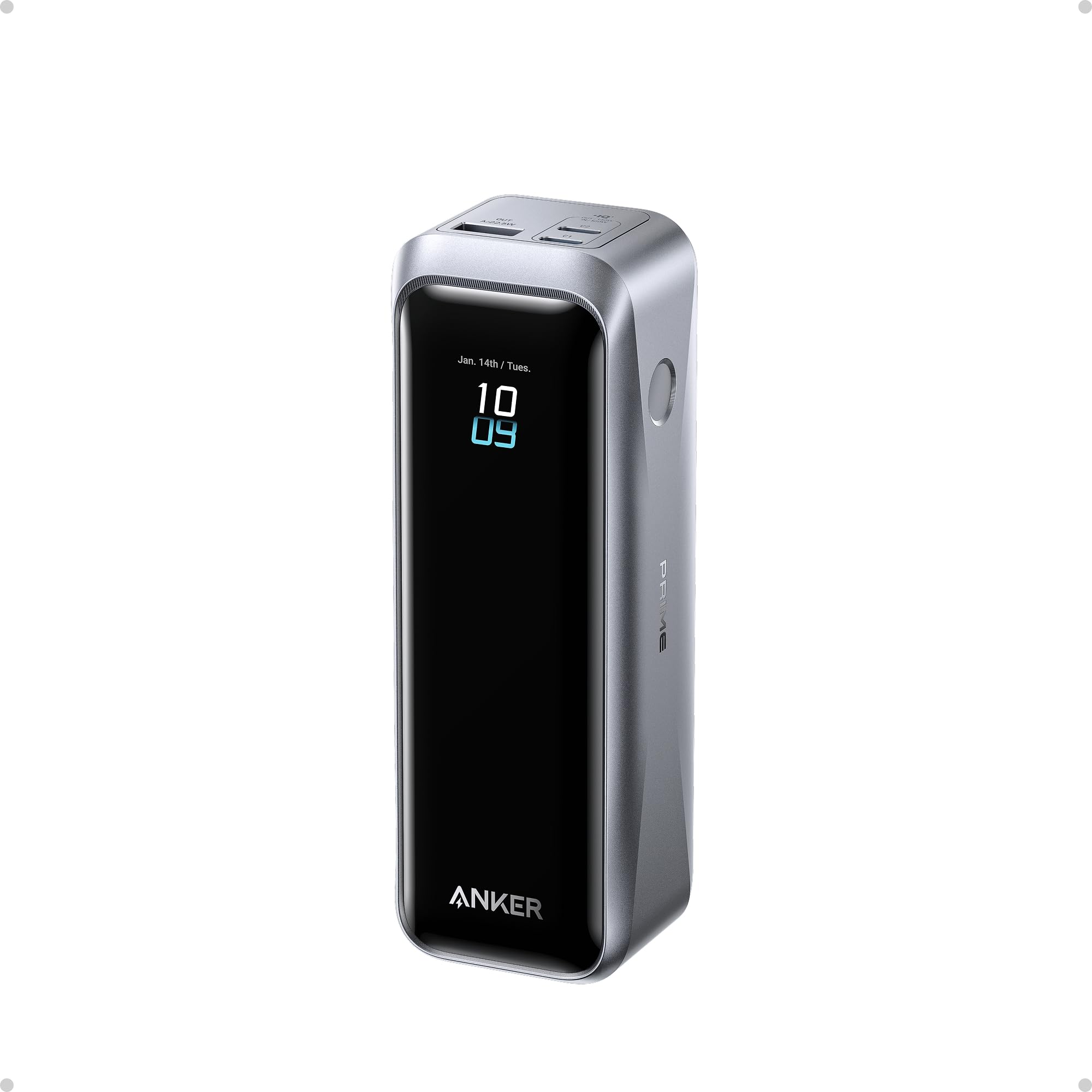
Anker Prime Power Bank
Best for: demanding USB-C laptops and users who want high total output.
Check first: it is powerful but heavier and more expensive than simpler 65W-class packs.
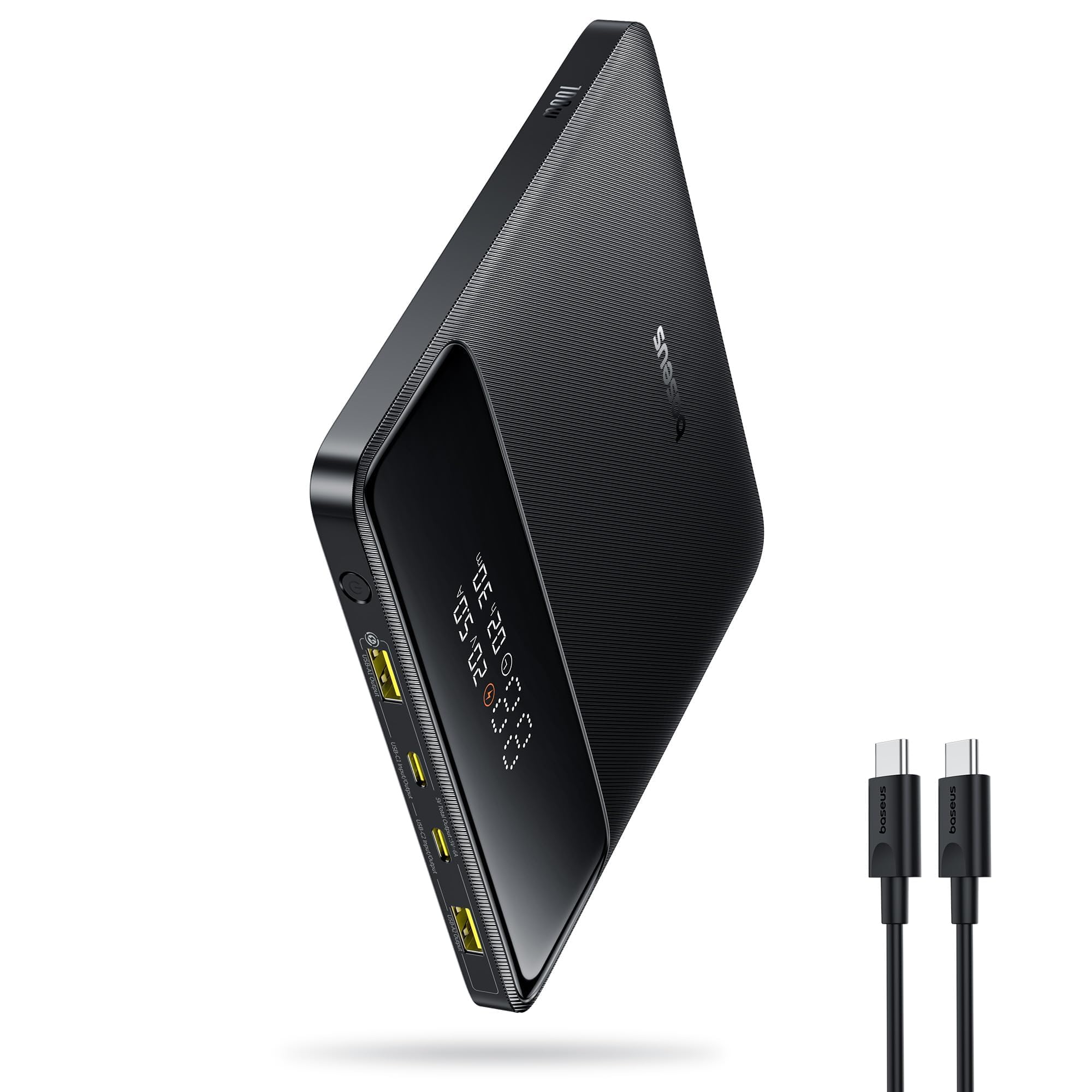
Baseus Blade 100W
Best for: travelers who want a flatter 20,000mAh design with laptop-level output.
Check first: verify single-port output and whether the flat shape works well in your bag.
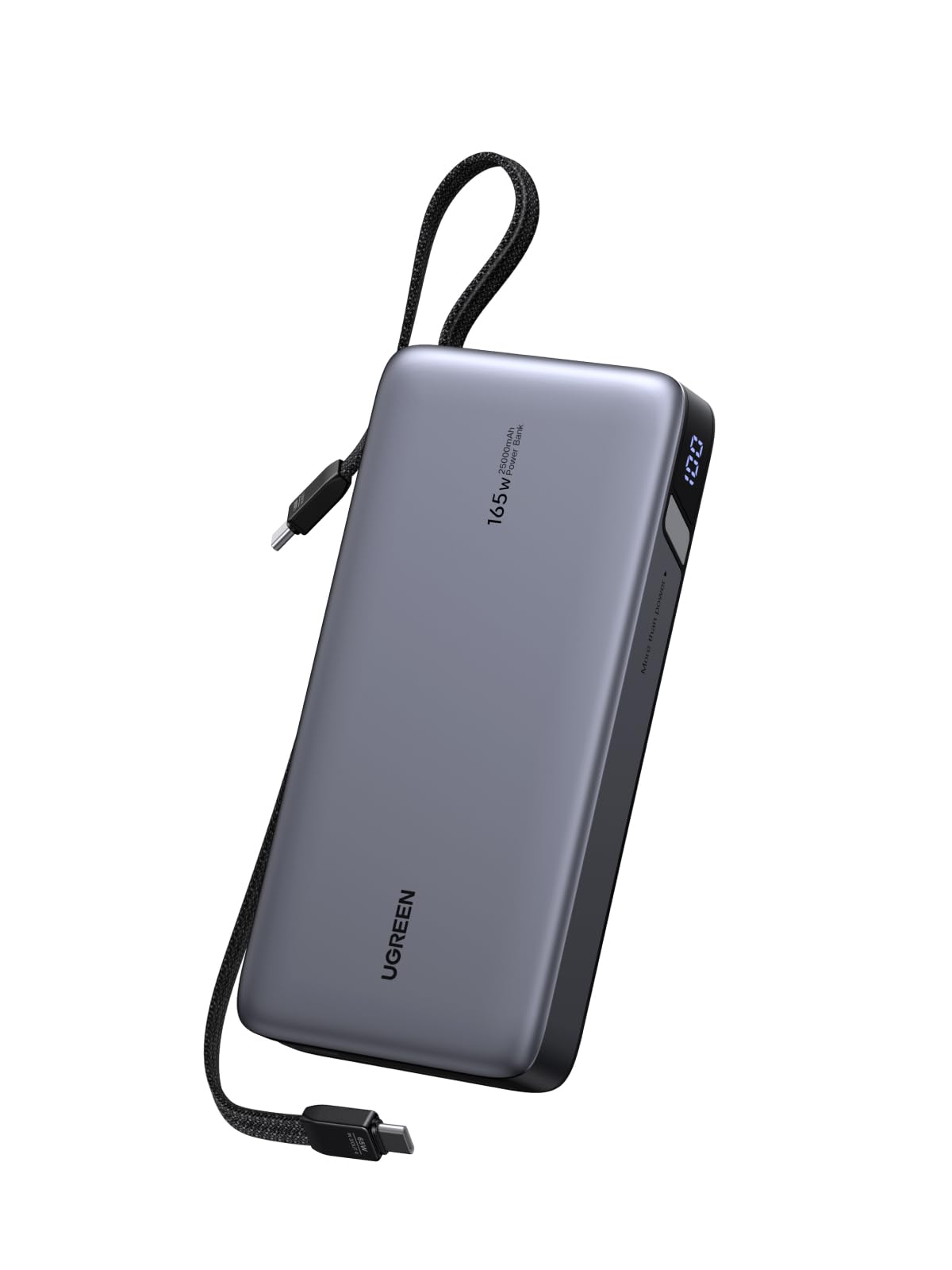
UGREEN Nexode 25,000mAh
Best for: business travel where built-in cables reduce what you have to remember.
Check first: confirm watt-hour airline limits and the exact output available from each port.
Amazon prices and availability can change. Product images and listings above are pulled from the connected Hostinger Affiliate/Amazon integration.
Bottom line
Choose wattage first, then capacity. The best USB-C power banks for laptops deliver the power your computer needs; a smaller capable bank can be more useful than a giant battery with weak output.
How we prepared this guide
This article was researched and drafted with AI assistance, then reviewed for clarity and usefulness. It does not claim hands-on laboratory testing. Verify current manufacturer specifications and airline rules before purchase.