
2026 BUYING GUIDE · HOME NETWORKING
Best Mesh Wi-Fi Systems for Dead Zones in 2026
Your internet plan may be fast, but that does not help if the bedroom, upstairs office or back room barely gets a signal. This guide is for people who are tired of moving around the house just to keep a video call alive.
Affiliate disclosure: As an Amazon Associate, Mobile Gear Picks earns from qualifying purchases. Prices and availability can change.

Why mesh Wi-Fi is the practical fix for stubborn dead zones
Your internet speed and your Wi-Fi coverage are two different things. A gigabit fiber plan can still feel terrible if the router is hidden in a cabinet, placed at one end of the home, or trying to push through concrete, brick, appliances and multiple floors.
Mesh Wi-Fi solves the coverage problem by using multiple nodes that work together as one network. Your phone or laptop can move from room to room while the system tries to connect it to the best node automatically.
For a manufacturer overview of how multiple units create one unified whole-home network, see the official TP-Link Deco mesh guide.
Our top choices
TP-Link Deco 7 Pro BE63
Best overall. Strong Wi-Fi 7 performance, tri-band connectivity and multiple 2.5Gb Ethernet ports make it a good fit for busy homes and faster internet plans.
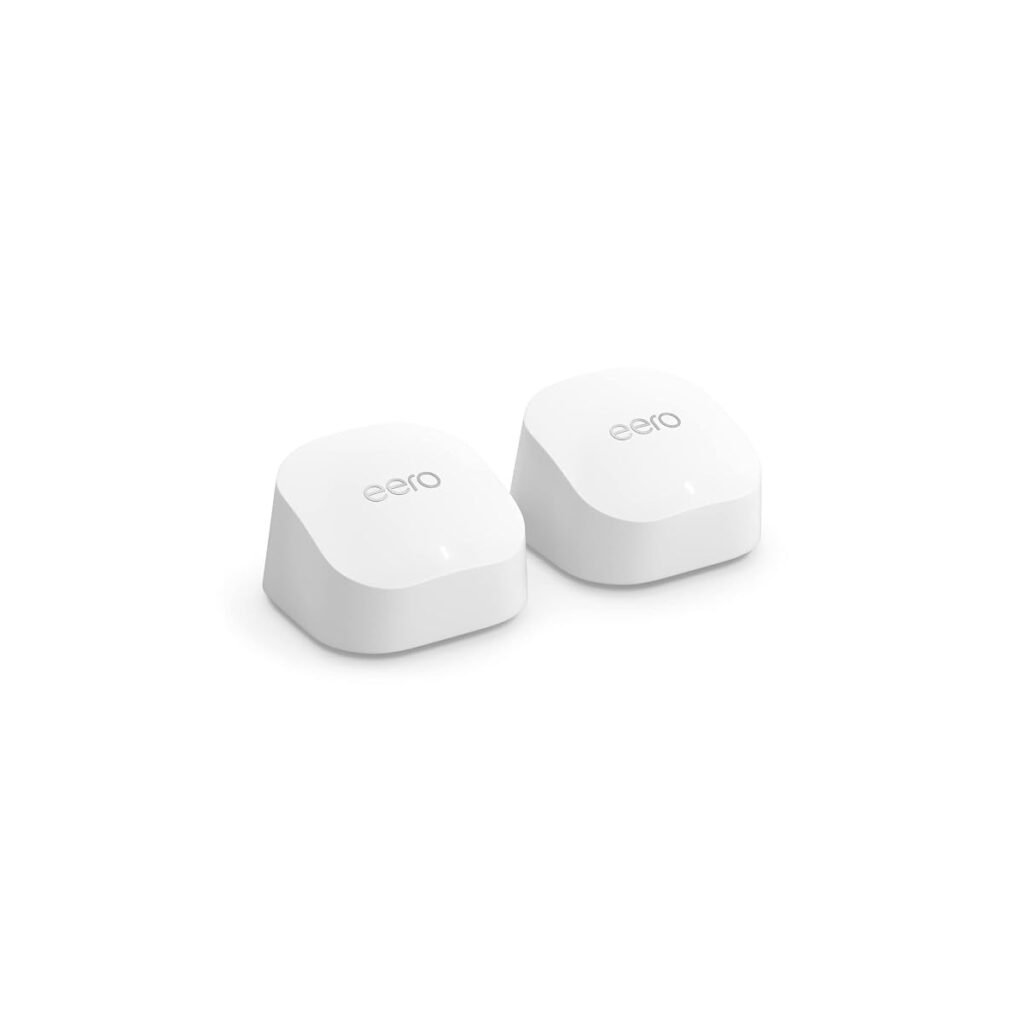
eero Pro 7
Best for simplicity. The app-first setup is easy to understand, and it fits especially well in homes already using Alexa and other Amazon smart-home products.
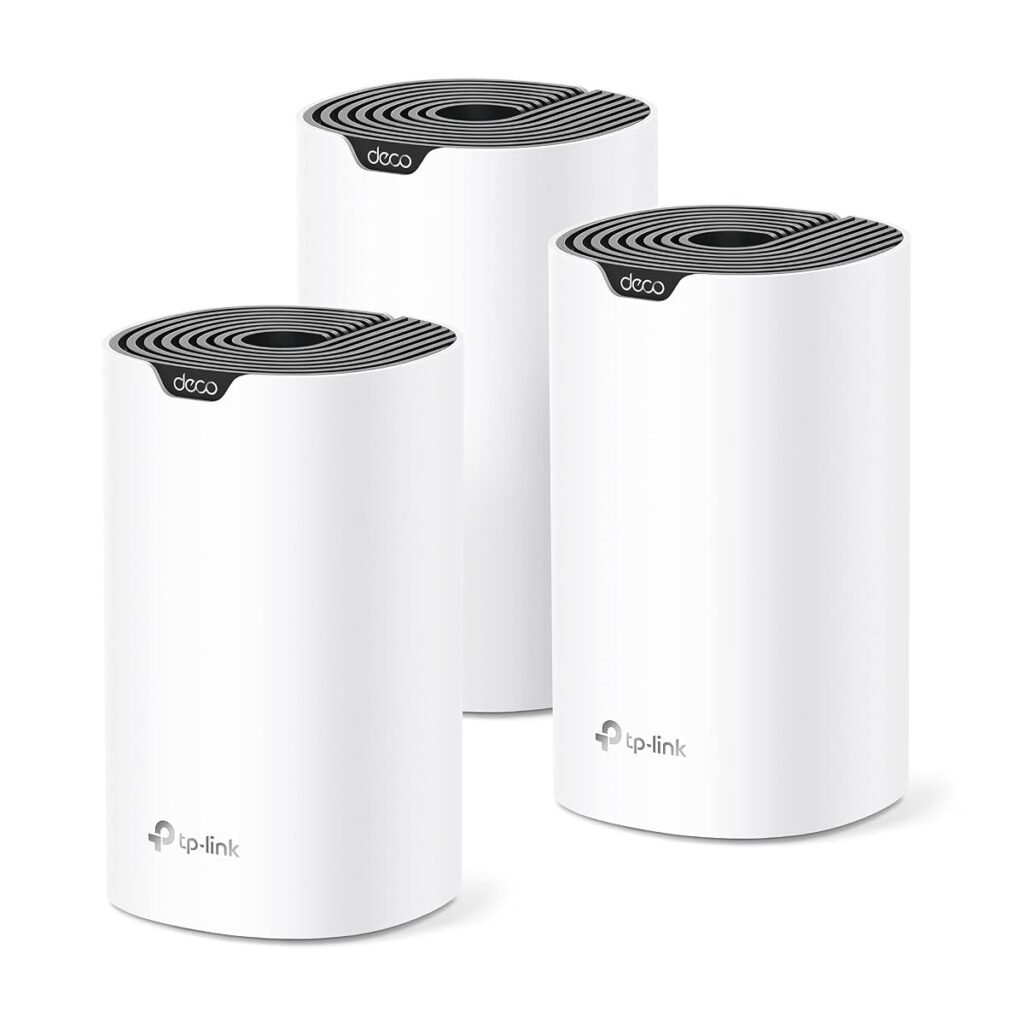
Deco X20
Best budget path. If your real problem is coverage rather than maximum Wi-Fi 7 speed, an older Wi-Fi 6 mesh can still be a sensible value purchase.
Do you actually need Wi-Fi 7?
Not always. If your devices are mostly older phones, TVs and laptops, the biggest improvement may come from better node placement rather than the newest wireless standard. Wi-Fi 7 makes more sense when you have a fast fiber connection, newer devices, heavy local transfers or you simply want a system you will keep for several years.
What if you have concrete walls?
This is where buyers often get disappointed. Mesh is helpful, but thick concrete can weaken the link between the nodes themselves. If possible, connect mesh nodes with Ethernet. That wired backhaul lets the nodes communicate without forcing Wi-Fi to punch through every wall.
If wiring is impossible, experiment with hallways, stairwells and open areas. A slightly less convenient node position can produce a much better connection.
How many mesh units do you need?
A smaller apartment may need only one good router. A typical two-story house often benefits from two mesh points. Large or awkwardly shaped homes may need three. Start smaller and add a node only if testing shows a real weak area.
Which one should you buy?
Choose the Deco BE63 if performance, ports and value are your priorities. Choose eero Pro 7 if you want a particularly simple experience and are comfortable with the eero ecosystem. Choose a cheaper Wi-Fi 6 Deco if your internet connection is moderate and your main goal is simply getting reliable signal to the rooms that currently struggle.
Compare mesh Wi-Fi systems on Amazon ↗
FAQ
Will mesh Wi-Fi make my internet faster?
It can make devices in weak-signal areas much faster, but it cannot make your internet service itself exceed the speed provided by your ISP.
Is mesh better than a Wi-Fi extender?
For whole-home coverage and easier roaming, usually yes. A simple extender can still be fine for one small problem area.
Should every node be wired?
No, but wired backhaul is especially useful in large homes or homes with difficult walls.
Bottom line
If you keep blaming your internet provider while only one side of the house works well, fix coverage first. A properly placed mesh system can be a bigger everyday upgrade than paying for an even faster internet plan.
Related guide: A stronger home network also helps security devices stay connected. See our best video doorbells without subscription fees.
Mesh Wi-Fi buying checklist for dead zones
Start with the size and construction of your home. Thick concrete, multiple floors and long hallways usually need more careful node placement than a small open-plan apartment. Buying the most expensive system will not fix poor placement.
- Choose enough nodes for the space without overcrowding them.
- Use wired Ethernet backhaul when your home wiring makes it practical.
- Check whether the system supports the internet speed you pay for.
- Consider Wi-Fi 6E or Wi-Fi 7 only if your devices and broadband can benefit.
- Look at parental controls and security features before assuming they are included free.
Where to place mesh nodes
Do not put the second node inside the dead zone. It needs a strong connection to the main router or another node, then it can extend that connection farther. A hallway or room halfway toward the weak area is often a better starting point.
When wired backhaul is worth it
Ethernet between nodes removes much of the wireless hop penalty and can improve consistency in larger homes. It is especially useful for gaming, home offices and media rooms where stable latency matters more than maximum advertised speed.
Final recommendation
Choose a mesh system that matches your home size and device needs, then spend time on placement. Good positioning can make a midrange kit feel faster than an expensive system installed badly.
mesh Wi-Fi systems: the questions buyers still ask
A practical pre-purchase checklist
- Map the dead zones with a phone speed test before installation.
- Place nodes in open areas, not inside cabinets or behind televisions.
- Use Ethernet backhaul when the home wiring makes it practical.
- Keep the old router settings available until every smart-home device reconnects.
Write down the ports, rooms, devices and performance you actually need. This prevents paying for impressive specifications that do not solve your specific problem. It also makes returns less likely because compatibility is checked before the box is opened.
Setup mistakes that create disappointing results
Many negative experiences come from installation rather than defective hardware. Update the computer, phone or network firmware first, use the supplied cable where possible and change one setting at a time. Keep packaging until the full setup has been tested in the room and with the devices where it will be used.
If a feature is essential for work, confirm it on the manufacturer documentation and current product listing. Similar product names can cover several generations with different ports, wireless standards or included accessories.
Frequently asked questions
How many mesh nodes do I need?
Most smaller homes start with two; larger or difficult layouts may need three. More nodes are not always faster because poor placement can create extra wireless hops.
Will mesh increase my internet plan speed?
No. It improves coverage and consistency inside the home, but it cannot exceed the speed delivered by your internet provider.
Our editorial approach
This guide was researched and drafted with AI assistance, then reviewed and edited for clarity, product accuracy and usefulness. It does not claim hands-on laboratory testing. Product specifications, prices and availability can change, so verify the current listing before purchase.
Official reference: See the relevant technical guidance for additional compatibility and setup information.
Are mesh Wi-Fi systems the right solution for your problem?
Mesh Wi-Fi systems are most useful when weak rooms, interrupted calls and buffering come from coverage rather than the internet plan itself.
The best mesh Wi-Fi systems are not simply the models with the longest specification list. Good mesh Wi-Fi systems should solve the exact problem that brought you to this guide without creating unnecessary cost or setup difficulty.
- Compare mesh Wi-Fi systems by the feature that directly solves your daily frustration, then verify compatibility before purchase.
- Compare mesh Wi-Fi systems by the feature that directly solves your daily frustration, then verify compatibility before purchase.
- Compare mesh Wi-Fi systems by the feature that directly solves your daily frustration, then verify compatibility before purchase.
- Compare mesh Wi-Fi systems by the feature that directly solves your daily frustration, then verify compatibility before purchase.
- Compare mesh Wi-Fi systems by the feature that directly solves your daily frustration, then verify compatibility before purchase.
Use this guide to narrow the options, but confirm the latest manufacturer information because mesh Wi-Fi systems can change between product generations.