2026 BUYING GUIDE · HOME OFFICE
Best Webcams for Low Light in 2026
Your laptop camera may look fine at noon and terrible at 8 p.m. If your face becomes grainy, gray or blown out whenever the room is dim, the problem may be the tiny camera sensor – not you.
Affiliate disclosure: As an Amazon Associate, Mobile Gear Picks earns from qualifying purchases. Prices and availability can change.

Why webcams for low light can improve calls without studio lighting
Laptop lids are thin, so manufacturers have very little physical room for camera hardware. Small sensors collect less light. The camera then raises sensitivity and applies aggressive processing, which can create grain, smeared detail and unnatural skin tones.
A dedicated webcam can use a larger sensor, better lens and more processing power. That does not mean every 4K webcam is automatically good in low light, but sensor quality matters far more than resolution alone.
Our picks by use case
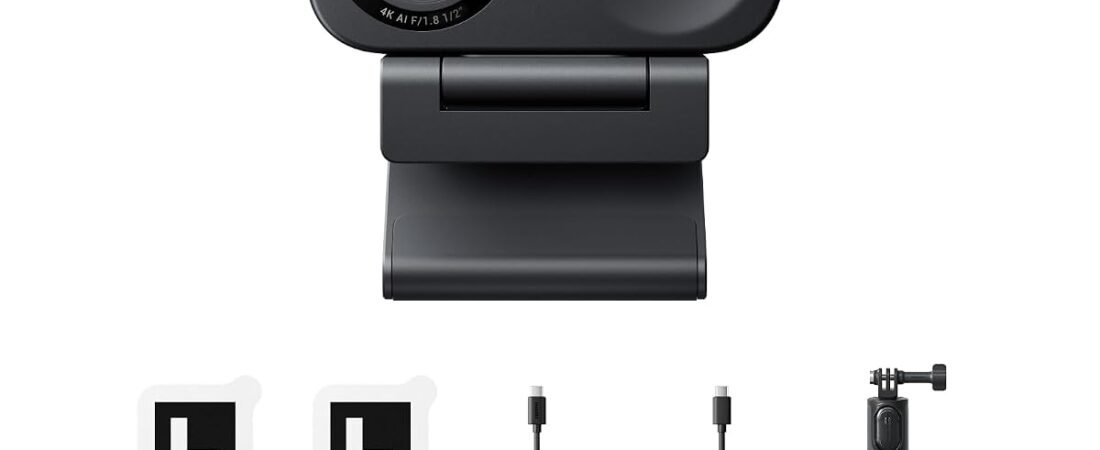
Insta360 Link 2C
Best overall. Strong 4K detail, auto-framing and good handling of difficult room lighting make it a smart home-office choice.
Link 2C Pro
Best premium. The larger sensor is especially useful if low-light image quality is your number-one priority.
Anker PowerConf C200
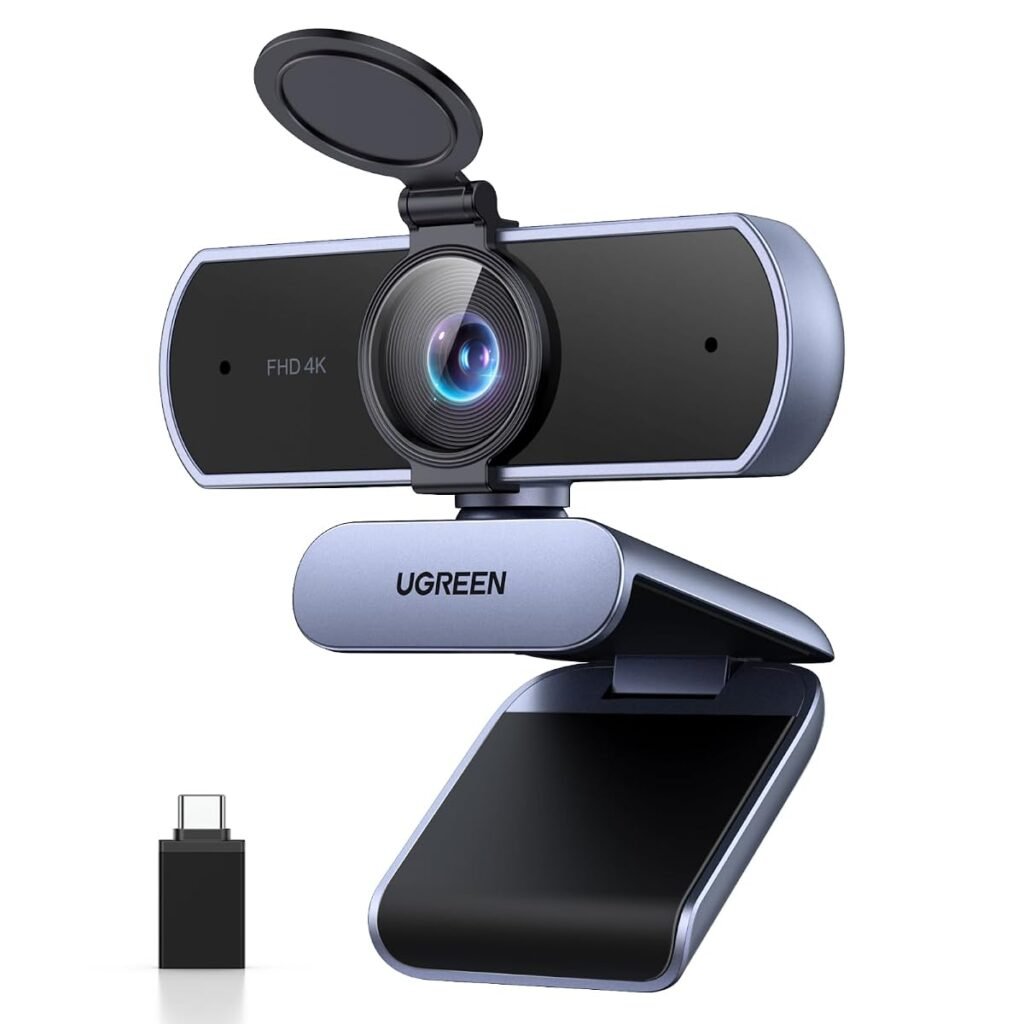
Best budget. A straightforward 2K upgrade with a privacy shutter for users who do not need premium tracking features.
Do you need 4K for Zoom?
Not necessarily. Many video-call platforms compress video heavily. The benefit of a high-quality 4K webcam is not just sending a 4K stream – it can also provide better source detail, cleaner digital cropping and more flexibility for framing.
Auto-framing vs mechanical tracking
Auto-framing webcams digitally crop the image to keep you centered. Gimbal webcams physically move the camera. If you mostly sit at a desk, auto-framing is usually enough. Teachers, presenters and creators who move around may prefer physical tracking.
What about microphones?
Webcam microphones are convenient, but a camera should not be your first audio upgrade if you sound distant or echoey. A small USB microphone or headset mic placed closer to your mouth will usually beat a microphone mounted on top of a monitor.
Privacy matters too
Look for a physical privacy shutter or an obvious way to disable the camera. This is one of those features you barely notice until you start working from home every day, then you wonder why every webcam does not have it.
Who should spend more?
If you are in customer calls all day, teach online, interview remotely, record content or work in a room with inconsistent lighting, a better camera becomes part of your professional setup. For one family call a week, a budget 1080p or 2K model may be plenty.
Compare low-light webcams on Amazon ↗
FAQ
Is a ring light still useful with a good webcam?
Yes. Better light improves every camera. The goal of a low-light webcam is to perform better when ideal lighting is not available.
Should I buy 60fps?
It can make motion smoother, but for normal meetings, exposure, focus and image quality matter more.
Will a webcam improve my microphone?
Only if it has better built-in microphones than your laptop. For a major audio improvement, use a dedicated mic or headset.
Bottom line
If your workday regularly ends after sunset, shop for the camera you use in your real room – not the camera that looks best in a brightly lit product demo.
Related guide: Complete your call setup with our guide to the best wireless earbuds for small ears.
How to choose a webcam for low light
Low-light performance depends on more than resolution. A larger image sensor, good exposure control and sensible noise reduction can matter more than a 4K label. If your room is dim, prioritize a camera that keeps skin tones natural without turning the image into a smeared, over-processed picture.
- Look for strong autofocus that does not hunt in dim rooms.
- HDR can help when a bright window sits behind you.
- A wider aperture or larger sensor generally gives the camera more light to work with.
- Built-in microphones are convenient, but a separate mic usually improves voice quality.
- Check field of view so the camera does not show more of the room than you want.
Lighting still matters
A better webcam can improve a dark setup, but a small lamp placed in front of you can make an even bigger difference. You do not need a studio. A soft desk light near the monitor reduces shadows and lets the camera use a cleaner exposure with less noise.
1080p versus 4K for calls
Most video-meeting platforms compress the image heavily, so 4K is not automatically a visible upgrade to the other person. Higher resolution can still help with cropping and framing, but sensor quality and exposure are the smarter priorities for a dim home office.
Final recommendation
For low-light calls, choose the webcam that produces the cleanest face and most stable autofocus in your room. Resolution is useful, but reliable exposure and natural color usually make the bigger day-to-day difference.
Camera placement and framing
Place the webcam close to eye level and avoid pointing it sharply upward from the desk. A small change in height can make a call look more natural than switching to a more expensive camera. If the webcam has a wide field of view, move it closer or use software framing so the room does not dominate the image.
Privacy and everyday use
A physical privacy shutter is useful if the camera stays connected all day. Also check whether settings are saved in the camera or only in desktop software, especially if you move between a work laptop and a personal computer.
webcams: the questions buyers still ask
A practical pre-purchase checklist
- Put the camera close to eye level instead of looking down from a laptop screen.
- Face a soft light source and avoid a bright window directly behind you.
- Use 1080p when the meeting platform or connection cannot benefit from 4K.
- Check privacy-shutter, tripod-thread and microphone needs before choosing.
Write down the ports, rooms, devices and performance you actually need. This prevents paying for impressive specifications that do not solve your specific problem. It also makes returns less likely because compatibility is checked before the box is opened.
Setup mistakes that create disappointing results
Many negative experiences come from installation rather than defective hardware. Update the computer, phone or network firmware first, use the supplied cable where possible and change one setting at a time. Keep packaging until the full setup has been tested in the room and with the devices where it will be used.
If a feature is essential for work, confirm it on the manufacturer documentation and current product listing. Similar product names can cover several generations with different ports, wireless standards or included accessories.
Frequently asked questions
Is 4K worth it for video meetings?
It can help with cropping and recorded content, but many meeting platforms transmit at lower resolution. Good lighting usually produces a more visible improvement.
Should I use the webcam microphone?
It is convenient, but a headset or nearby USB microphone usually sounds clearer in a noisy or echoing room.
Our editorial approach
This guide was researched and drafted with AI assistance, then reviewed and edited for clarity, product accuracy and usefulness. It does not claim hands-on laboratory testing. Product specifications, prices and availability can change, so verify the current listing before purchase.
Official reference: See the relevant technical guidance for additional compatibility and setup information.
Are webcams the right solution for your problem?
Webcams cannot fix every dark room, but the right sensor, lighting and placement can make calls feel much more natural.
The best webcams are not simply the models with the longest specification list. Good webcams should solve the exact problem that brought you to this guide without creating unnecessary cost or setup difficulty.
- Compare webcams by the feature that directly solves your daily frustration, then verify compatibility before purchase.
- Compare webcams by the feature that directly solves your daily frustration, then verify compatibility before purchase.
Use this guide to narrow the options, but confirm the latest manufacturer information because webcams can change between product generations.